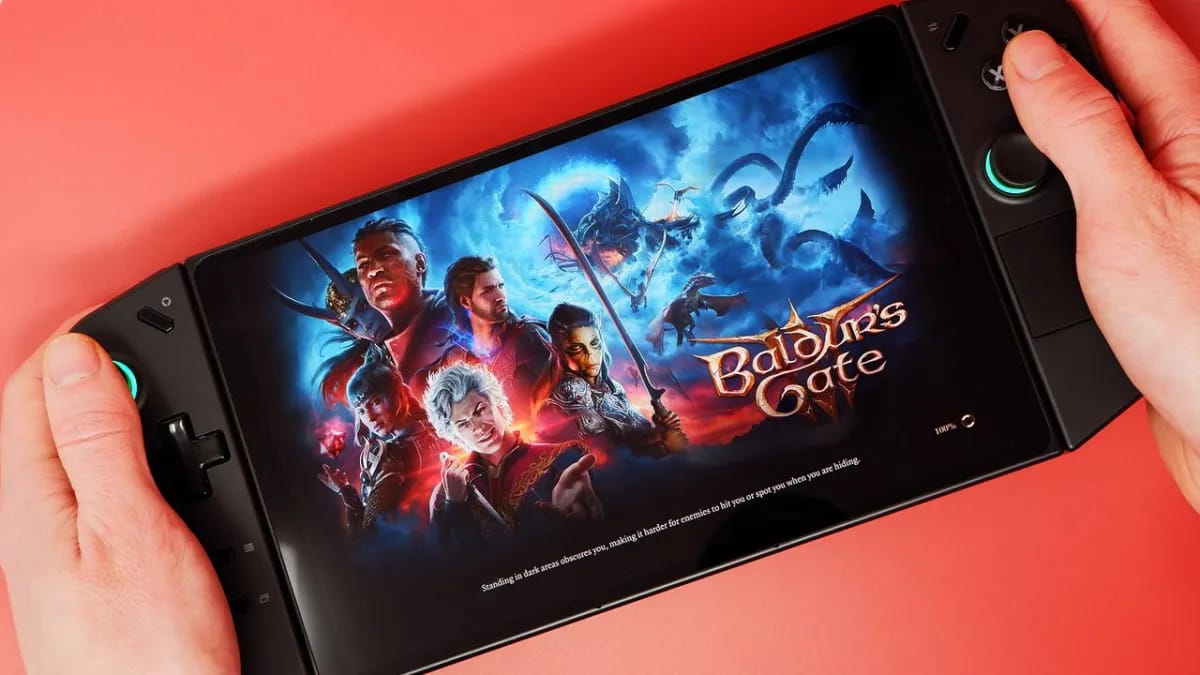
A BIOS update for the Lenovo Legion Go is bricking devices, leaving owners staring at black screens with no easy way back — and Lenovo hasn't issued any official advisory yet.
The problematic update is version N3CN42WW for the Legion Go 8APU1. Despite widespread user reports of black screens and failed BIOS self-healing, the update was still sitting on Lenovo's support servers at time of writing. The r/LegionGo subreddit moderators have pinned a warning telling users not to install it, asking affected owners to simply comment with +1 to track the scope of the problem. How many devices are affected and whether every Legion Go unit is at risk remains unclear. One Reddit user who contacted Lenovo directly was quoted just over €237 — roughly $273 — to repair their bricked handheld, because their warranty had recently expired. Lenovo is still repairing or replacing units free of charge for devices still under warranty. One commenter pushed back hard: "Had the same issue, I just [paid around €120 to reactivate] the warranty, I want them to repair it, not at my cost. This is insane."
The Legion Go launched in late 2023 as Lenovo's first serious crack at the handheld gaming PC market, going up against the Steam Deck and ASUS ROG Ally. A bricking BIOS is about the worst thing that can happen to a handheld — unlike a desktop, there's no easy way to flash a recovery chip without technical know-how. At least one user has attempted a direct SPI programming fix, and repair shop PitStop Computers has also been documenting its own recovery attempts, but neither represents a clean solution for average owners.
For now, the safest move is simple: don't touch the update. If your device is already bricked and still under warranty, contact Lenovo. If you've updated and want to roll back without going through Lenovo, BIOS version N3CN40WW is the recommended fallback. The community is watching closely for an official response from Lenovo, which so far hasn't come.
Sources (1)
AI-assisted summary, reviewed by our editors — how we work.
Get the daily digest
Top gaming news in Lithuanian — every day at 9:00.